Is Your Business Running Smoothly—Or Just Running You?

You’re not perfect.
That’s okay.
A Deep Dive into Workflow Audits
The Unseen Bottlenecks in Your Business
Most business owners focus on sales, marketing, and getting customer’s attention. But what happens after you land your client? Are your internal processes helping or hurting your business? In my experience, most businesses struggle once they have customers come in the door, especially service-oriented businesses. We’ll get them customers, and then the customers complain, the business owner and the clients are both frustrated, and the entire experience is a downer.
Your business should be the work you enjoy. Otherwise, why go through the headache and hassle of starting a business? You could work for someone else and leave at the end of the day, knowing that your boss has to sleep with the headache of failure.
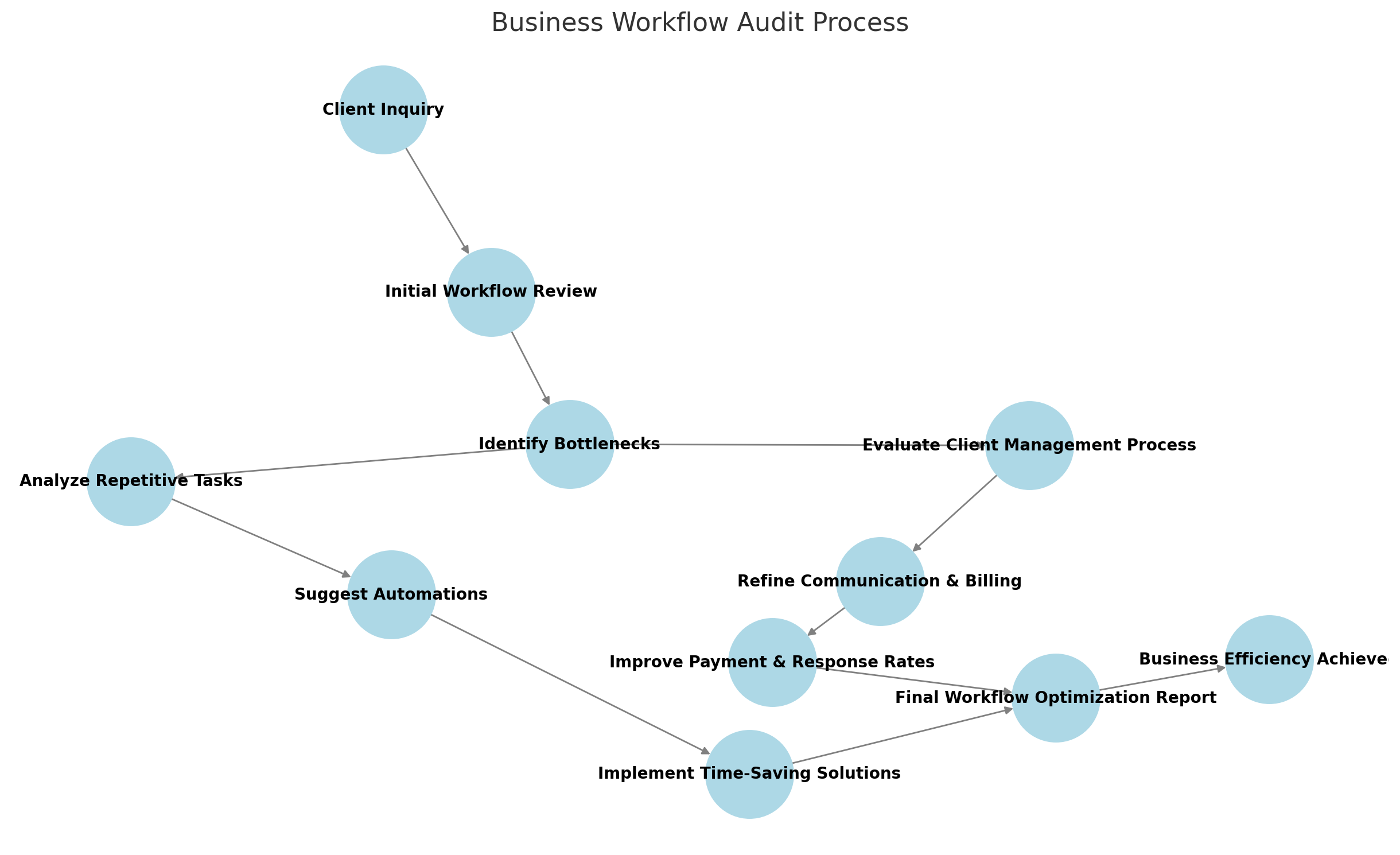
A workflow audit isn’t sexy. It’s the one thing I do the most and I’m asked to do the least. I’m typically brought in to create blog posts or ecourses, which are fun. I love doing those, but while I’m there, I usually end up doing a workflow audit to help them in the areas they really need. This is one of the most important steps to ensure your business runs efficiently. It’s about more than just organizing files or setting up software—it’s about creating a smooth, repeatable process that serves both you and your clients.
So, what is this and why do you need it?
Let me ask you a few questions.
1. Are Your Clients Paying on Time?
Slow-paying clients aren’t just frustrating; they’re a sign of a workflow problem. Most businesses blame the clients. “Well, if I just target richer people, they’ll pay their bill on time.” I’ve proven that wrong. I’ve targeted and landed richer customers and they still struggled to pay their invoices on time or at all… because the experience didn’t meet their standards. I’m not talking about the service. In each case, the client states that the technician who performed the work did an outstanding job, but there were several parts of the administrative workflow that was missing. What are some of those issues?
Common Causes of Late Payments in Workflows:
They didn’t understand the scope of work.
They didn’t understand the schedule of work.
They didn’t understand exactly what they were going to get.
They didn’t understand the payment terms.
They didn’t know when the technician was going to show up.
The invoices weren’t sent in a timely fashion.
No structured follow-up process, or they couldn’t get a hold of anyone.
How to Fix It:
Set clear payment expectations from the start (clear proposal → contract → invoice).
Automate reminders for technician arrival, project completion, and due and overdue invoices.
Simplify how clients can pay (integrated payment options, auto-billing).
It’s not just about invoices. It’s about the entire communication process. The invoice is simply the pain you feel because it’s the reason you’re in business. You want to pay your bills so you can feed your family. They want the service you provide so they can make their family comfortable, but if keeping your money in their pocket is the only way to get your attention, then they’re going to use that as a communication tool.
2. Are Customers Ghosting You?
If prospects or clients stop responding, your behind-the-scenes service process might be broken. Are they waiting too long for follow-ups? Are they unclear about next steps?
Red Flags in a Workflow Audit:
Lack of structured communication (no follow-up sequence).
Clients don’t know what happens next in their service.
Too much back-and-forth trying to get information from them.
Solutions to Streamline Communication:
Pre-written email templates for onboarding and follow-ups.
A clear process for what happens next (automated welcome emails, client portals).
Check-in emails at key project milestones.
When clients feel informed and supported, they stay engaged.
The thing you need to understand is that I’m not talking about bots. These are routine emails or templates that you write. They include your message, but you can set up triggers and events that automatically send either text messages or emails. That way, you’re never the bottleneck. Your software is taking care of the messaging and communication for you. The client doesn’t care who communicates, as long as they know what to expect.
3. Is Your Team Frustrated?
Disorganized workflows don’t just impact clients—they frustrate employees, too. If your team is constantly putting out fires, struggling to find information, or pushing back on processes, something needs to change.
Signs of an Inefficient Workflow:
Employees complaining about repetitive tasks or “busywork.”
Tasks getting stuck because there’s no clear ownership.
Employees unable to locate files, templates, or items.
Everyone doing things their own way instead of following a standard process.
Fixing the Chaos:
Document Standard Operating Procedures (SOPs) so tasks are clear and repeatable.
Assign ownership to key processes so nothing falls through the cracks.
Create a organizing system that works for you and is the same on every single project.
Automate redundant tasks (data entry, scheduling, follow-ups).
A well-structured workflow reduces stress and increases productivity for everyone.
4. Are You Repeating the Same Tasks Over and Over?
One of the biggest time-wasters in any business is manual, repetitive tasks. If you find yourself (or your team) doing the same thing over and over, that’s a sign it’s time to streamline.
Where I Typically See Repetitive Work:
Manually sending follow-up emails.
Copying and pasting the same responses to customers.
Re-entering data in multiple systems.
Purchase orders, estimates, invoices, subcontracts.
How to Fix It:
Automate email sequences for onboarding, follow-ups, and reminders.
Use pre-built templates for estimates, invoices, and client communications.
Integrate systems so data flows between tools without manual input.
Less manual work = more time for growth.
5. Is Your Workspace (Digital or Physical) a Mess?
Disorganization isn’t just about clutter—it’s about efficiency. If files are hard to find, workstations are chaotic, or digital tools aren’t being used properly, it slows everything down.
Common Workflow Problems Related to Organization:
Scattered documents across different tools (Google Drive, Dropbox, desktops).
Inconsistent file naming (making it hard to search for important docs).
Unclear workstations—employees waste time looking for supplies or files.
How to Fix It:
Create a standardized filing system and naming conventions.
Use cloud-based tools so documents are always accessible.
Organize physical workstations for efficiency (especially in service-based businesses).
When everything is in its place, work gets done faster.
It’s Time to Make Your Business Work for You
Your business should run smoothly—without you constantly stepping in to fix things.
With the information I’ve provided, you can perform your own Workflow Audit. What’s working? What isn’t working? What solution do you need?
Don’t get overwhelmed by it. Find the one thing that has the biggest pain near it - usually invoices. Either start there, or start with the easy-to-fix thing that will give you the dopamine you need to handle the bigger issue.
Both ways work.
And, as always, if you need help, I’m here. I’ve helped many companies, some just like yours, succeed.
If your business feels like it’s running you instead of the other way around, let’s fix that.